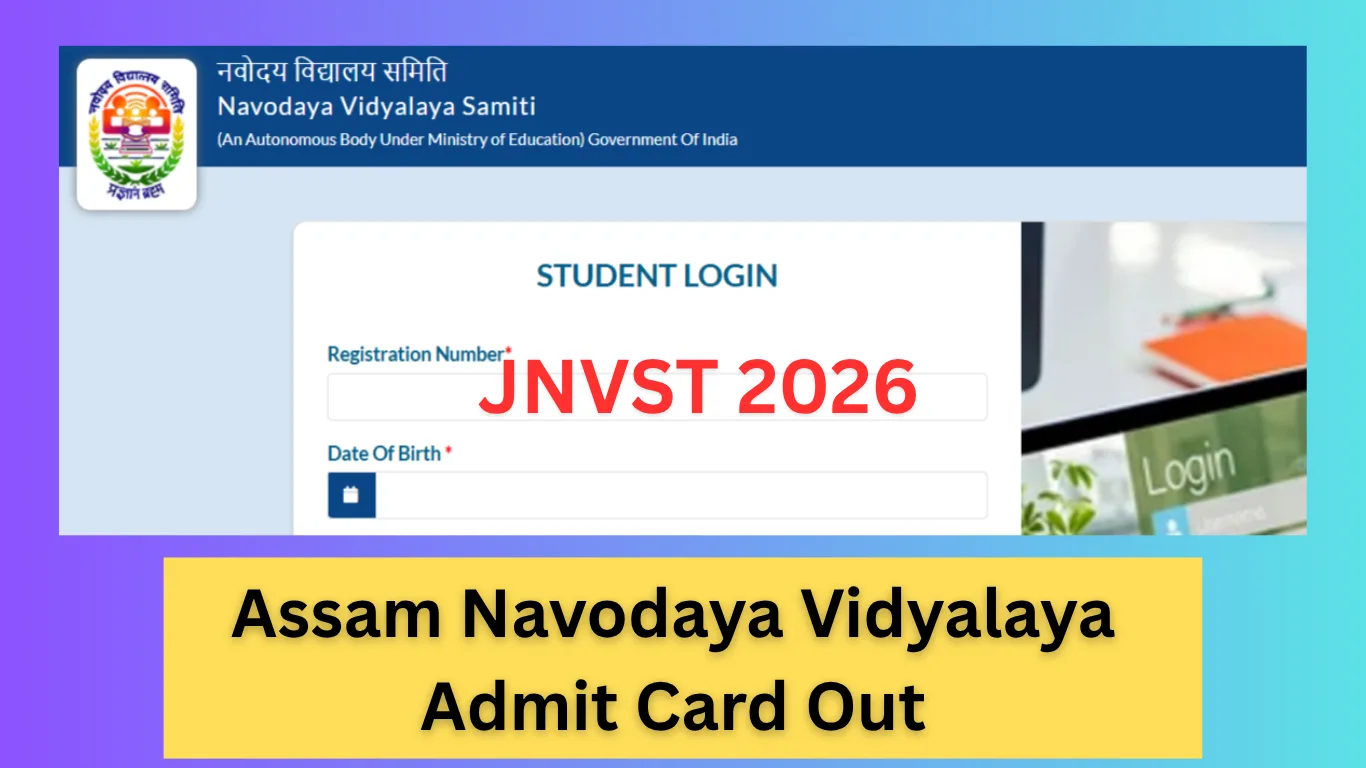
Navodaya Vidyalaya Samiti (NVS) has released the admit card for the Jawahar Navodaya Vidyalaya Selection Test (JNVST) 2026 for admission into Class VI in all Jawahar Navodaya Vidyalayas of Assam. Students who applied for Navodaya Vidyalaya Admission can now download their admit card online. The JNVST Admit Card is mandatory to enter the examination hall.
Assam Navodaya Vidyalaya Admit Card 2026 – Overview
| Parameter | Details |
|---|---|
| Name of Exam | Jawahar Navodaya Vidyalaya Selection Test (JNVST) 2026 |
| Name of Organization | Navodaya Vidyalaya Samiti (NVS) |
| Name of School | Jawahar Navodaya Vidyalaya |
| Class | Class 6 |
| Academic Session | 2026–2027 |
| Type of Exam | Entrance Examination |
| No. of JNVs in Assam | 28 + 1 Vidyalayas |
| Date of Exam | 13th December 2025 (Saturday) |
| Exam Languages | English, Hindi, Assamese, Bodo, Garo, Bengali, Manipuri (Bangla Script), Manipuri (Meitei Mayek) |
| Admit Card Release Date | 17th November 2025 |
| Mode of Admit Card | Online |
Assam JNVST Admit Card 2026 – Detailed Information
The Jawahar Navodaya Vidyalaya Selection Test (JNVST) is conducted every year for students seeking admission into Class VI across Jawahar Navodaya Vidyalayas in India. For Assam, NVS has officially released the hall ticket for students who successfully submitted their online application.
Also check: AISSEE 2026 – Sainik School Admission Notification
Students must download and print the admit card as it contains important details such as exam center, roll number, reporting time, and exam instructions. No student will be allowed to appear for the entrance test without a valid JNVST Admit Card.
Important Dates
| Event | Date |
|---|---|
| Admit Card Release Date | 17th November 2025 |
| JNVST Assam Exam Date | 13th December 2025 |
Documents Required on Exam Day
Students must carry the following:
- Printed copy of JNVST Admit Card 2026
- Aadhaar Card / School ID (if required)
- Passport-size photograph (same as used in application)
How to Download Assam Navodaya Vidyalaya Admit Card 2026?
Students can download the admit card by following these steps:
- Scroll down to the Important Links section.
- Click on the JNVST Admit Card link.
- Enter your Registration Number.
- Enter your Date of Birth, complete the Captcha, and click on Sign In.
- The admit card will appear on the screen.
- Download and print the admit card for the exam day.
Important Links
| Web-Link | Action |
|---|---|
| JNVST Admit Card 2026 | Click Here |
| Official Website (NVS) | Click Here |